

There is a lot of noise right now about AI and automation. Most of it oversells what is possible and undersells what is actually practical. This guide cuts through that. If you run a service-based business and you are trying to figure out where automation makes sense, here is an honest look at what works today — and what still needs a human touch.
Table of Contents
- Response Handling: Calls, SMS, and Web Forms
- Appointment Scheduling
- Lead Follow-Up Sequences
- Internal Workflows: Tasks, Reminders, CRM Updates
- Reporting and Visibility
- What Should Not Be Automated
Response Handling: Calls, SMS, and Web Forms
The first place most businesses lose leads is in the response window. Someone calls after hours, submits a form on a Sunday, or sends a text and gets nothing back for 24 hours. By then, they have already moved on.
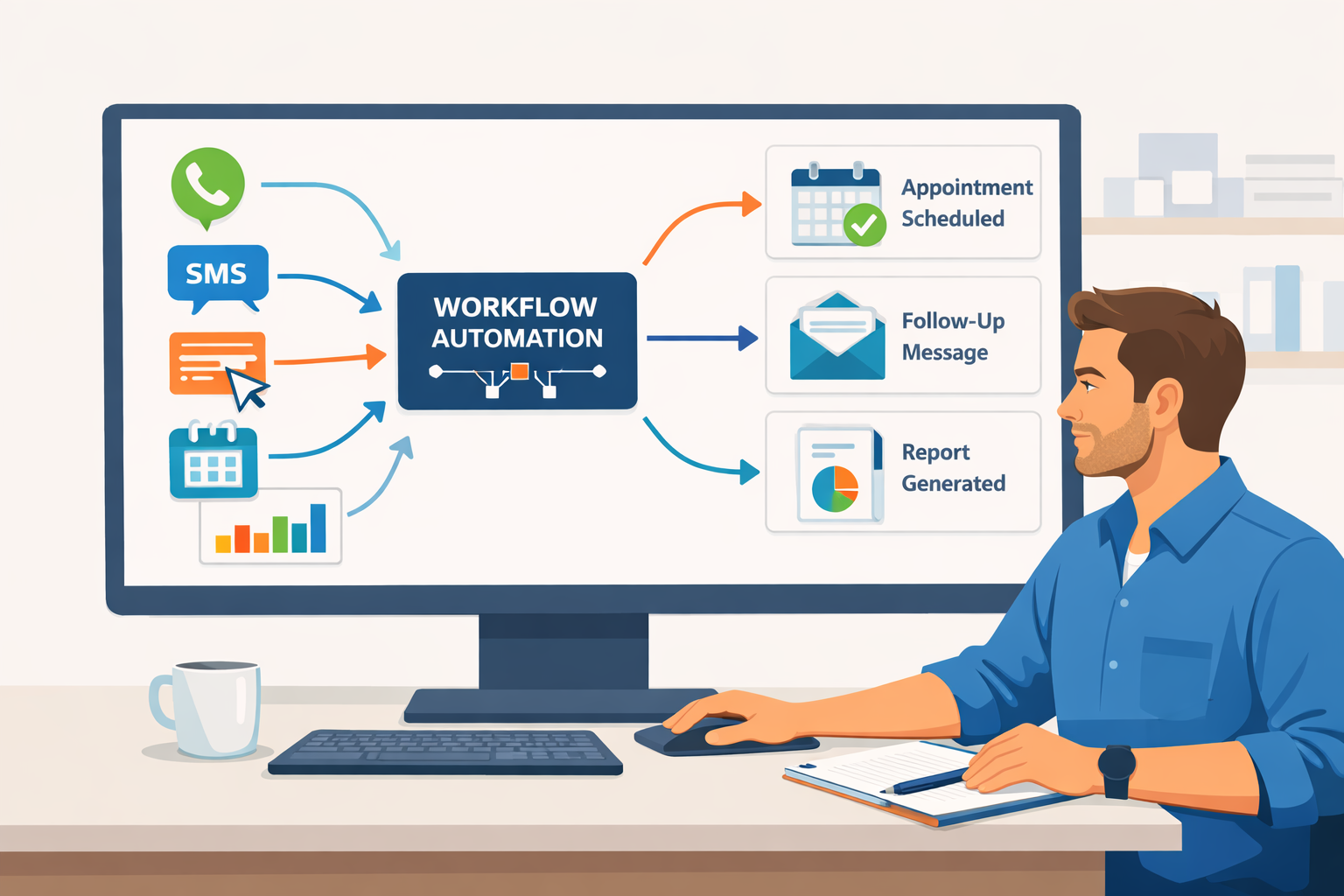
Automated response handling means that when a lead comes in through any channel — phone, form, or SMS — a message goes back immediately. Not a generic auto-reply, but a structured response that acknowledges their inquiry, sets expectations, and moves them toward the next step.
For businesses that rely on inbound interest, this alone can meaningfully improve how many leads convert. Speed matters more than most operators realize.
Appointment Scheduling
Scheduling is one of the most automatable tasks in any service business, yet many companies still handle it through back-and-forth phone calls or emails. That friction costs time on both sides.
With the right system, a lead can self-schedule directly from a confirmation message, a landing page, or a follow-up sequence. Available times are shown in real time, and the appointment is booked, confirmed, and added to the calendar without anyone touching it manually.
Staff still manage the calendar and can override or adjust at any point. The automation handles the mechanics so your team can focus on the actual work.
Lead Follow-Up Sequences
Most leads do not convert on first contact. They need a few touchpoints before they are ready to move forward. The problem is that manual follow-up is inconsistent. It depends on whoever handles it that day, how busy they are, and whether the task falls through the cracks.
Automated follow-up sequences solve this. After an initial inquiry or consultation, a structured series of messages goes out over the following days — a check-in, a reminder, a piece of useful information, or a direct ask to schedule. Every lead gets the same experience, on time, every time.
These sequences can be paused or stopped the moment a lead responds or books, so nothing feels out of place.
Internal Workflows: Tasks, Reminders, and CRM Updates
A lot of administrative work inside a business is repetitive and rule-based. A new lead comes in, and someone has to update the CRM, assign a task, send an internal notification, and follow a checklist. All of that can be automated.
When a form is submitted, the CRM record can be created automatically. When an appointment is booked, the assigned team member can receive a notification. When a job is completed, a review request or follow-up can go out without anyone remembering to send it.
This type of workflow automation does not replace your team. It removes the clerical overhead so they can focus on higher-value work.
Reporting and Visibility
Knowing what is happening in your business on a daily basis matters. How many leads came in this week? How many were followed up with? How many appointments were booked versus no-shows? Most businesses cannot answer these questions quickly because the data lives in too many places.
Automated reporting can consolidate activity from your intake process, CRM, and scheduling system into a simple summary that you review on a schedule. It is not a dashboard for dashboarding’s sake — it is visibility into the parts of your business that generate revenue.
What Should Not Be Automated
Not everything benefits from automation, and pushing it too far can damage the client experience. Initial consultations, complex case evaluations, sensitive conversations, and any situation that requires real judgment should always involve a person.
Automation works best when the task is structured, repeatable, and time-sensitive. It should handle the mechanics so your team is freed up to do the work that actually requires their expertise.
If a process involves nuance, emotional intelligence, or professional judgment, keep a human in that seat.
Ready to see what this looks like in practice? Explore how workflow automation works for service businesses at syncshiftai.com/workflow-automation
